What should the viewer be able to do after watching a product demo? Too many videos answer a different question: how many features can the company fit on screen? For a support lead explaining ticket routing or a trainer documenting account setup, a visible, repeatable outcome matters more than a polished feature parade.
Useful product demo video examples follow a clear structure: hook, problem, demo, CTA. Studying real collections gives teams a starting point for sales enablement, onboarding, launches, and internal training. The right reference depends on the job: Dock suits sales comparisons, Trainn emphasizes customer education, and Synthesia offers launch-oriented inspiration.
The comparison below separates example libraries from production tools. Tutorial AI helps recreate a workflow; the other resources provide videos and editorial breakdowns to study. Tools that generate videos from images serve a different creative purpose. Software instruction needs actual interface evidence. Each recommendation includes a synopsis, a proposed structural breakdown, production guidance, a measurable goal, and a takeaway that teams can replicate.
1. Solutions - Product Marketing
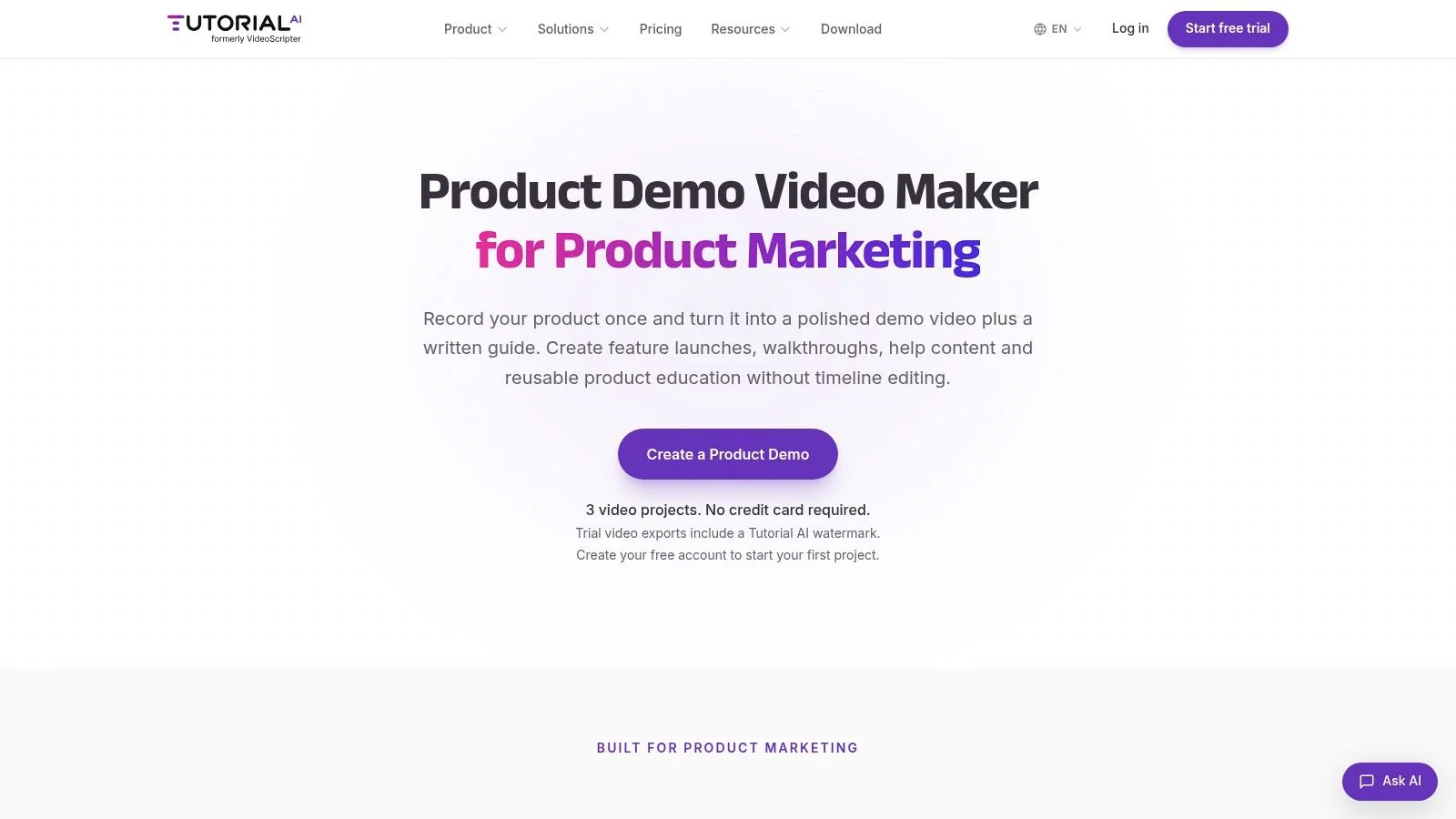
Best fit: turning an employee’s product knowledge into a demo and supporting documentation. Unlike an example gallery, Tutorial AI’s Product Marketing solution supports the production task itself: demonstrating software in a screen recording, then turning that recording into a tutorial video and written guide with screenshots.
Example: A customer education lead needs to explain a newly released ticket-routing rule. The recording should show the starting configuration, the rule being created, a test ticket, and the resulting assignment. That’s stronger evidence than a montage of settings screens.
A workflow-first feature walkthrough
- Hook: Open on the correctly assigned test ticket.
- Problem: Explain that manually assigning incoming tickets creates an avoidable handoff.
- Demo: Show the required permissions, rule conditions, saved configuration, and test result.
- CTA: Direct the viewer to reproduce the rule in a suitable test environment.
Tutorial AI’s practical advantage is reusing the same recording for video and screenshot-based instructions. Teams can review and edit the generated script, narration, steps, and visuals instead of treating the video and guide as unrelated projects. The product marketing video guide provides a related planning reference.
Production rule: Keep the explanation attached to the interface state it describes. A correct sentence over the wrong screen still produces a misleading tutorial.
The trade-off is editorial responsibility. Generated narration can mispronounce terminology, and generated steps can omit a prerequisite that the demonstrator took for granted. Human review remains necessary.
Measure: Track whether viewers reach the test result and subsequently activate the feature. Replicable takeaway: Capture a complete task, not an attractive sequence of clicks. Current device support, localization, export options, and plan availability require confirmation before a team commits to a specific production setup.
2. VibrantSnap - Product Demo Video Examples
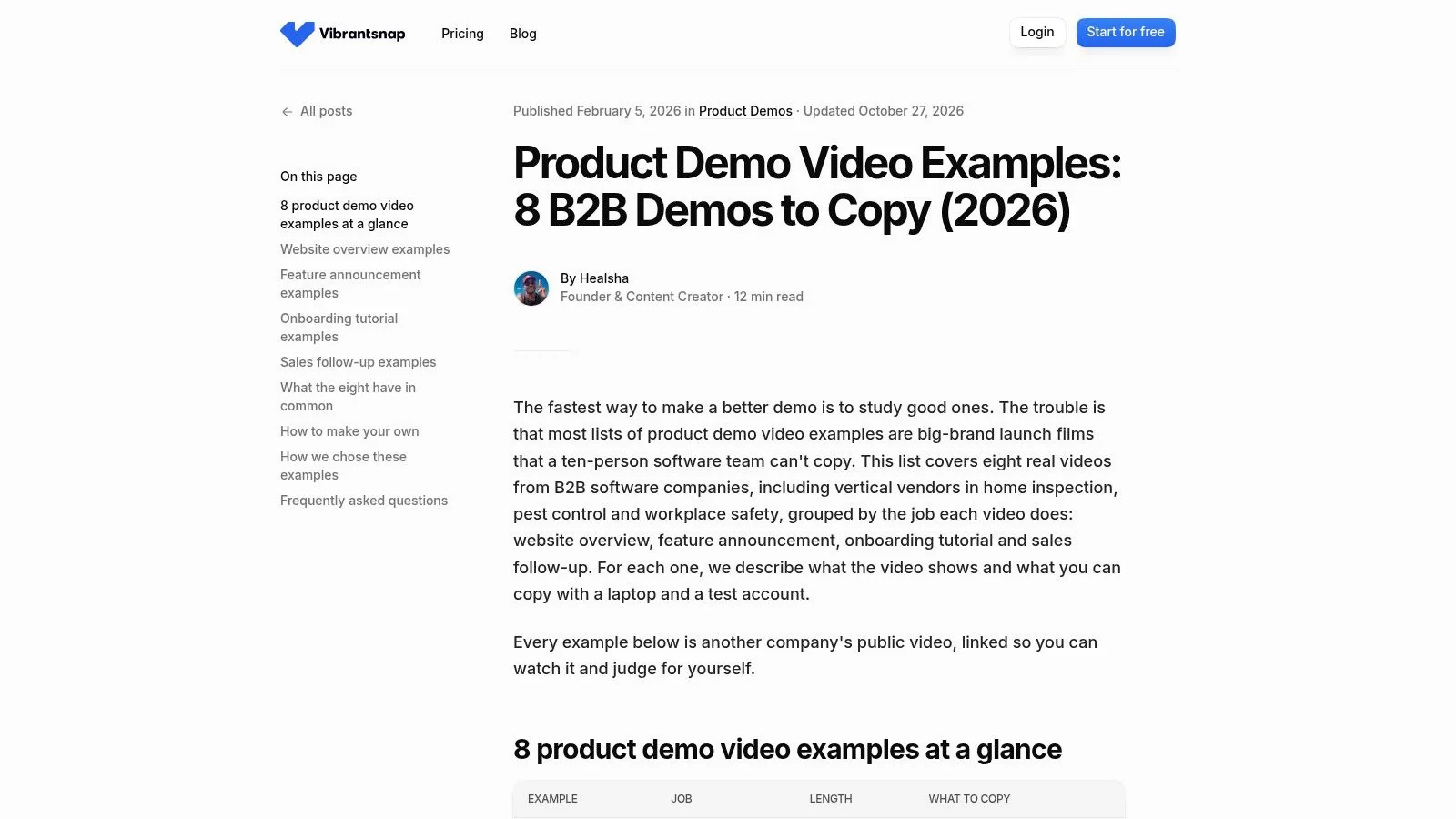
A feature announcement and an onboarding lesson shouldn’t use the same script. VibrantSnap’s collection of eight B2B demos makes that distinction useful by organizing examples around purposes such as website overviews, feature announcements, onboarding, and sales follow-ups.
The guide includes Vanta, Linear, Spectora, GorillaDesk, and EcoOnline. That mix gives software teams references beyond familiar horizontal SaaS brands, with runtimes and takeaways that help readers compare presentation choices.
Copy the purpose, not the visual treatment
For a feature announcement, a practical adaptation is:
- Hook: Show the new result immediately.
- Problem: Name the previously awkward task.
- Demo: Record the changed workflow in a prepared test account.
- CTA: Send existing users to the feature’s starting point.
The production decision is what to leave out. A launch clip doesn’t need account creation, workspace configuration, or unrelated navigation unless those details affect the promised outcome. A companion tutorial can handle setup without slowing the announcement.
Strength: The collection connects inspiration to business purpose. Limitation: It’s a bounded selection from a publisher that also sells screen-recording software, rather than an independent assessment of every approach.
The guide to making product demo videos is a useful companion when moving from reference selection to capture planning.
Measure: Track qualified clicks into the demonstrated feature, not just video plays. Replicable takeaway: Select a reference with the same audience and next action, even if its visual style is less impressive.
3. Vimeo - How to Create Software Demo Videos
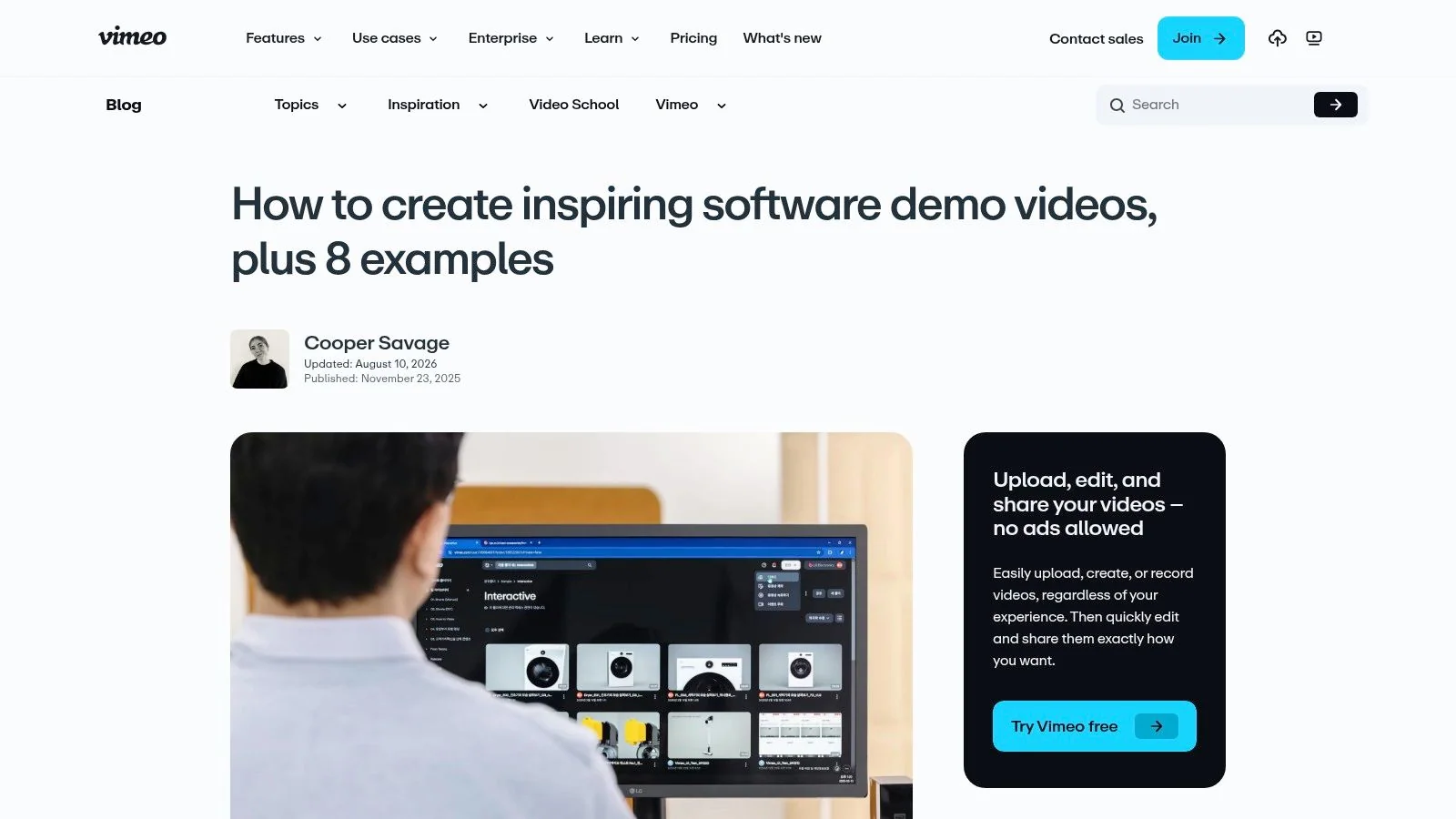
A polished overview should establish relevance before teaching every action. Vimeo’s guide pairs eight software demo examples, including Slack and HubSpot, with planning and production advice. Its range makes it useful for teams deciding between a straightforward screen demonstration and a more stylized overview.
A platform overview can explain why connected workflows matter without documenting every configuration screen. The danger is presenting that overview as a tutorial when viewers still couldn’t perform the task afterward.
A marketing overview earns interest. A tutorial earns confidence through reproducible steps. Neither should pretend to do the other’s job.
Build an overview around a handoff
A useful hook shows the finished cross-team outcome, such as a support request reaching the correct owner with its context intact. The problem names what currently gets lost during that handoff.
The demo then follows the same request through the relevant screens. The CTA offers the deeper task walkthrough rather than another general brand page.
For production, capture a continuous source workflow before selecting scenes. This preserves cause and effect even when the final edit omits routine waiting or typing.
Strength: Vimeo combines examples with production guidance and sharing considerations. Limitation: Some references lean toward brand marketing rather than hands-on instruction, and its hosting advice comes from a video-services provider.
Measure: Track progression from the overview to a relevant walkthrough. Replicable takeaway: Use polish to clarify the workflow, not to conceal missing steps.
4. Trainn - Product Demo Videos Made by Real SaaS Teams
Example: A new administrator understands which button creates an automation but doesn’t understand when the automation should run. Starting with more interface detail won’t fix that gap. A short conceptual explanation should precede the configuration.
Trainn’s collection examines six SaaS demos, including Coherent, Foundit, Snappy, Facilio, and Chargebee. Its discussion of slides, interfaces, customer problems, and tutorial structure makes it particularly relevant to customer education teams.
Teach the concept, then prove it
- Hook: Show the successful automated outcome.
- Problem: Explain the recurring decision the user currently makes manually.
- Demo: Introduce the rule in a simple visual, then configure and test it on screen.
- CTA: Ask the learner to reproduce the task with an appropriate sample.
The distinction matters: a prospect-facing demo can establish that automation is possible, while onboarding must establish whether the learner can configure it correctly. Production should preserve the starting conditions and visible success check.
A customer-education benchmark summarized by Trainn reports 93.5% completion for structured academy courses and 59.5% for standalone videos across 4,705 programs. Those platform benchmarks aren’t proof that course packaging alone causes higher completion, but they support considering the learning sequence alongside the video.
Strength: Concrete relevance to screen-based education. Limitation: The examples were made using Trainn, so the selection isn’t tool-neutral.
Measure: Track tutorial completion alongside successful task execution. Replicable takeaway: Add only enough conceptual framing to make the following actions understandable.
5. Dock - Product Demo Video Examples
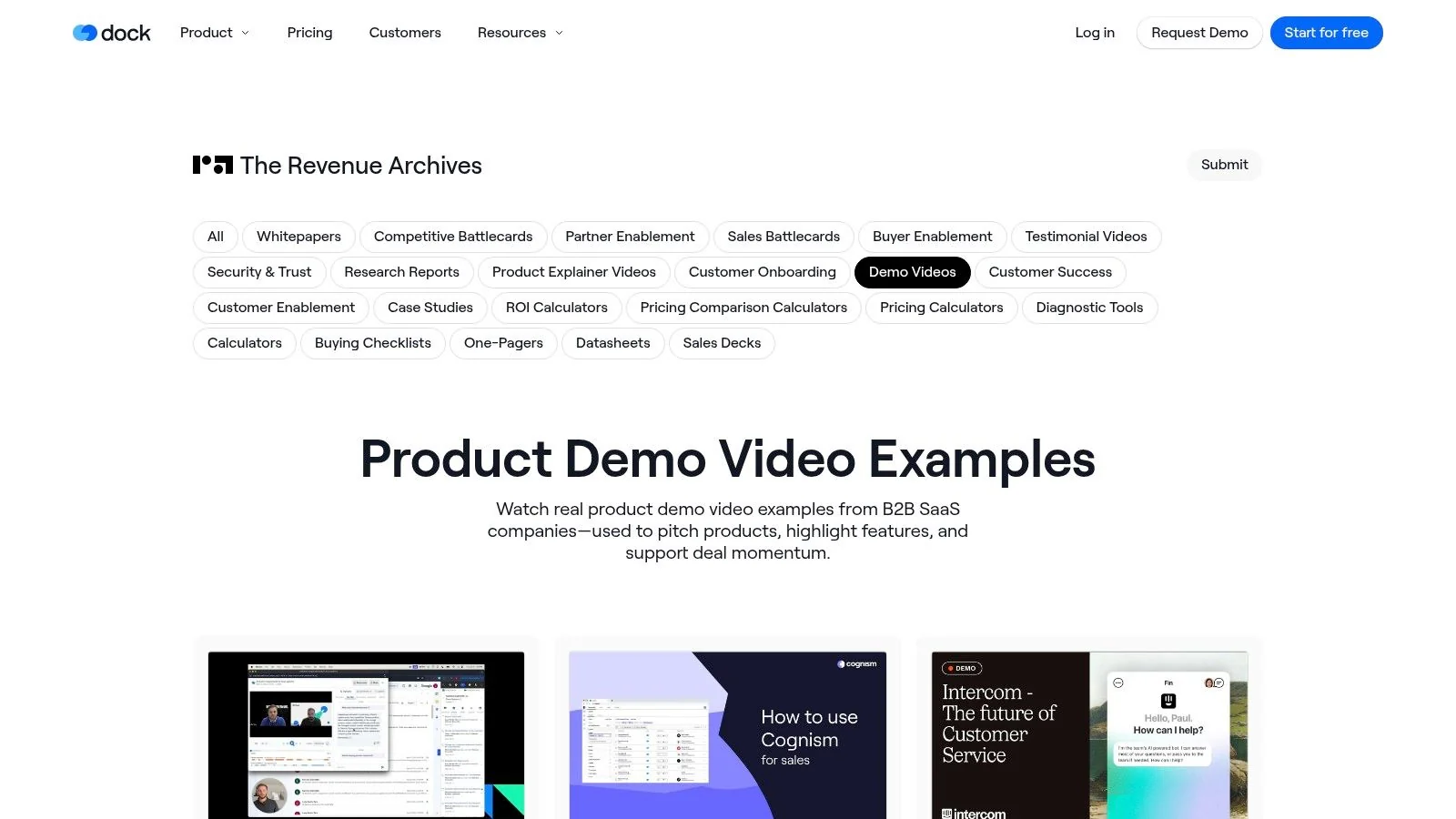
Sales teams need a different review question: does this demo resolve the buyer’s remaining uncertainty? Dock’s collection of 14 B2B SaaS demo videos provides a watch-and-compare shortlist featuring Clari, Cognism, Intercom, Linear, Amplitude, HubSpot, Vanta, Airtable, and Mixpanel.
Its value is breadth rather than detailed instructional analysis. A sales enablement team can compare how different companies establish relevance, show evidence, and move toward a next conversation.
Recreate an objection-resolution demo
The hook should repeat the buyer’s practical concern, such as whether a manager can inspect a handoff without requesting a separate report. The problem establishes what the manager currently has to chase.
The demo follows a record through the workflow, showing both the operator’s action and the manager’s resulting view. The CTA asks for a specific response about fit or an unresolved requirement.
Buyer-usefulness test: A demo should make an evaluation easier without requiring a meeting merely to discover its prerequisites.
Record with representative sample data and disclose relevant role or permission requirements. A beautiful administrator view can mislead a buyer if ordinary users won’t see the same controls.
Strength: Convenient comparison material for sales enablement and product marketing. Limitation: Dock offers less per-video analysis than a detailed editorial guide, and some references suit selling better than teaching.
Measure: Track relevant follow-up replies among recipients. Replicable takeaway: Build the demo around an objection, not a generic request to see the product.
6. Descript - Software Demo Videos and Why They Work
Screen recordings, animation, and live action solve different communication problems. Descript’s guide reviews 12 software demo videos, with examples including Salesforce, Slack, Apple, Zoom, Notion, and ClickUp. It’s useful when a team knows the desired outcome but hasn’t settled on the presentation.
For internal training, the safer default is a real interface with clear narration. Animation can explain an abstract relationship, but it shouldn’t replace evidence of the actual action.
Choose the medium scene by scene
- Hook: Present a recognizable task failure or finished result.
- Problem: Explain why the current approach leaves users stuck.
- Demo: Show the workflow, using graphics only where they clarify a concept.
- CTA: Direct the learner to perform the task or consult the corresponding guide.
Visual cues deserve attention during the edit. A 2019 software-documentation study found that participants using signaled screenshots completed more tasks correctly, with no difference in task-completion time. That finding supports purposeful highlights, not claims that adding motion automatically makes learning faster.
Strength: A broad range of visual approaches and production advice. Limitation: Some examples are promotional rather than instructional, and Descript’s production recommendations come from a vendor.
Measure: Check task accuracy after viewing. Replicable takeaway: Match each visual treatment to an explanation need, then remove effects that compete with the instruction.
7. Synthesia - Product Demo Examples That Teams Can Recreate
A launch showcase can be persuasive without being sufficient training. Synthesia’s collection reviews 10 product demos, including Webflow, Harvey, Airtable, HandsHQ, and Apple, spanning polished showcases and a longer recorded live demonstration.
That range helps product marketers decide how much explanation a launch needs. A familiar audience may recognize the value of a visible before-and-after immediately; a technical evaluator may need setup details and an uninterrupted workflow.
Borrow launch pacing without losing evidence
For a launch-oriented adaptation, the hook shows the new outcome before the product introduction. The problem explains the old constraint, and the demo proves what changed with a real task.
The CTA should match readiness: a deeper walkthrough for evaluators or a feature-entry point for existing users. It shouldn’t assume that a polished reveal answers implementation questions.
Production should preserve meaningful waiting, validation, and confirmation states. Removing every pause can imply that an asynchronous action happens immediately.
Strength: Useful contrast between launch polish and practical walkthroughs. Limitation: Some examples promote products rather than teach their operation, and the creation advice isn’t independent of Synthesia’s business.
The HeyGen versus Synthesia comparison provides related context for teams evaluating presenter-led formats. A software walkthrough still needs clear screen evidence, regardless of presentation style.
Measure: Track movement into the relevant feature walkthrough or evaluation step. Replicable takeaway: Borrow the opening’s clarity and pacing, not production complexity that makes future updates harder.
How These Product Demo Video Example Collections Compare
| Collection | Number of examples | Best for | Style coverage | Limitations to know |
|---|---|---|---|---|
| Solutions - Product Marketing | Not an example collection | Creating and localizing product demos and tutorials | Screen recordings, feature walkthroughs, branded videos, documentation | AI output may need review; pricing and plan details are unspecified |
| VibrantSnap, Product Demo Video Examples: 8 B2B Demos to Copy (2026) | 8 | B2B SaaS teams seeking goal-based examples | Website overviews, feature announcements, onboarding, sales follow-ups | Small selection; publisher also sells screen-recording software |
| Vimeo, How to Create Software Demo Videos, with 8 Examples | 8 | Planning polished software overviews | Screen demos and more stylized videos | Some examples are brand marketing, not tutorials; Vimeo promotes its own services |
| Trainn, 6 Product Demo Video Examples Made by Real SaaS Teams | 6 | SaaS walkthroughs, feature demos, and customer education | Interface demos, slides, and problem-led storytelling | All examples use Trainn; guidance reflects the vendor’s perspective |
| Dock, Product Demo Video Examples | 14 | Sales enablement and product marketing teams comparing demos | Varied B2B sales-oriented demo styles | Limited analysis; some examples suit sales presentations better than tutorials; Dock promotes its products |
| Descript, Software Demo: 12 Videos That Convert and Why They Work | 12 | Comparing marketing-led and tutorial-style demos | Screen recordings, animation, and live action | Some examples are promotional rather than UI walkthroughs; Descript promotes its own product |
| Synthesia, 10 Best Product Demo Video Examples (That You Can Recreate) | 10 | Choosing a demo format and level of polish | Narrated screen recordings, motion-led videos, and live demos | Some examples are promotional rather than instructional; Synthesia sells video-creation software |
Rebuild Your Favorite Demo With One Screen Recording
The strongest reference is the one that matches the audience’s next decision. Dock suits sales enablement, Trainn suits onboarding, and Synthesia suits launch-format exploration. Extract the hook, problem, demo, and CTA from a relevant example, then rebuild that structure around a real software task.
Example: A support team needs a tutorial showing how to create and validate a ticket-routing rule. Before recording, the demonstrator needs a test workspace, suitable permissions, sample tickets, and a defined expected assignment.
- Record the task. Capture the starting configuration, rule creation, and test ticket with the demonstrator’s own narration. Microphone audio captures the explanation; system audio captures application sounds and is only necessary when those sounds communicate something meaningful.
- Generate the video and guide. Turn the recording into a narrated tutorial and written instructions with screenshots. Both outputs should describe the same conditions and sequence.
- Review and edit. Check the script, narration, steps, and visuals against the recording. Correct terminology, remove irrelevant detours, and restore any missing prerequisites.
- Share the reviewed result. Publish through an available sharing method or embed option after confirming current product support. Keep the written guide beside the video where practical.
Set a measurable goal before distribution. An onboarding owner should define a tutorial-completion target plus a successful task check; a sales owner should define a relevant follow-up reply target against comparable previous outreach. Targets should reflect the team’s baseline, not borrowed case-study results.
If the test ticket reaches the wrong queue, inspect rule conditions, priority, and permissions before recording again. The visible success check is the ticket reaching its intended owner. Before publication, verify every instruction against the current interface and confirm current trial terms on the Tutorial AI pricing page.
Tutorial AI turns a software screen recording into a tutorial video and step-by-step documentation that teams can review and edit before sharing. Teams ready to recreate a task-focused demo can visit Tutorial AI to start a free trial and turn their next recording into both formats.