A tutorial ships on release day. The menu names look right, the recording is clean, and the product expert signed off. Then support tickets arrive because learners can’t find a permission setting, can’t follow a step that depends on an icon, or hear a translated instruction after the action has passed.
That pattern points to a review problem, not a writing problem alone. Knowing how to review software tutorials with subject matter experts means giving each reviewer a distinct job, recording defects in writing, and testing the result with people who didn’t build it.
The Review Sequence at a Glance
The order matters. Put learners in front of a tutorial that describes the product wrong and you spend the session watching them fail at a problem they never caused.
Accuracy comes first for that reason. The SME pass and the instructional pass produce a written defect list, and every later stage either clears entries on that list or adds new ones. The learner test then checks whether the repaired tutorial works for someone who did not write it. Ownership stays distinct throughout: the SME owns what the product does, the instructional reviewer owns stated prerequisites and a sequence a newcomer can follow, and the learners supply the proof.
| Stage | Reviewer | Pass criterion |
|---|---|---|
| 1. Source accuracy | Product SME | Every step matches the current product build |
| 2. Instructional clarity | Instructional designer or technical writer | Prerequisites are stated, sequence is logical and terms are explained |
| 3. Learner task test | People from each target audience who did not build the tutorial | Learners finish the task without help from the author |
| 4. Accessibility check | Reviewer trained in accessible video and documentation | Visual actions are described in narration or a transcript |
| 5. Localized check | Source SME plus target-language reviewer | Translated steps, captions and timing match the on-screen actions |
Example. A nine-step refund tutorial for a billing app goes through the sequence. The SME catches a wrong menu name in step four. The instructional reviewer flags that nothing tells the agent which permission to request before starting, and both defects go on the list before a single learner sees the draft.
An internal, English-only tutorial can skip stage five. It can’t skip accessibility when a step depends on something the viewer must see.
Choosing Reviewers Beyond the Product Expert
A product expert alone misses problems. The expert knows where controls live, which exceptions matter, and what a term means without being told. A newcomer knows none of that.
What Each Reviewer Catches
| Reviewer type | Usually catches | Usually misses |
|---|---|---|
| Product SME | Wrong steps, outdated menu names, missing exceptions | Confusing sequence for a newcomer |
| Instructional designer or technical writer | Missing context, ambiguous sequencing, heavy cognitive load | Edge cases in the product’s rules |
| UX reviewer | Places where users lose their way in the interface | Domain-specific accuracy |
| Target-audience representative | Comprehension failures during a real attempt | Whether the software behaves as described |
The split is practical, not theoretical. The SME validates the workflow. The instructional reviewer checks whether the tutorial teaches it.
Evidence for Mixing Reviewer Types
In a 2023 study of an educational technology prototype, learning designers identified 60.66% of interface errors, compared with 23.12% for healthcare professionals and 16.22% for end users, as reported in the 2023 expert evaluation study. Learning designers found an average of 28.86 errors per expert, versus 19.25 and 9.0 for the other groups in the same study.
The limit matters. That was one study of one prototype in a healthcare context. It supports combining reviewer types. It doesn’t set a benchmark for every software tutorial.
Pair reviewers to the risk. A new tutorial needs at least a product SME and an instructional reviewer. A tutorial for frontline support agents adds a current agent who has handled the task. A complex interface adds a UX reviewer. Teams looking for a grounding in the instructional side can use instructional design best practices to shape that reviewer’s criteria.
Record each reviewer’s role, product familiarity, and audience represented. Disagreements make more sense with that context attached.
Decision rule: The SME decides whether the workflow is correct. The instructional reviewer decides whether a newcomer can follow it.
When those two disagree, the disagreement is the finding. It usually means a correct step needs better sequencing, a definition, or a prerequisite moved earlier.
Running an Independent Expert Pass
Group review hides disagreement. One confident voice says a step is fine, and quieter concerns disappear. An independent pass keeps those concerns visible until they’re written down.
The Procedure
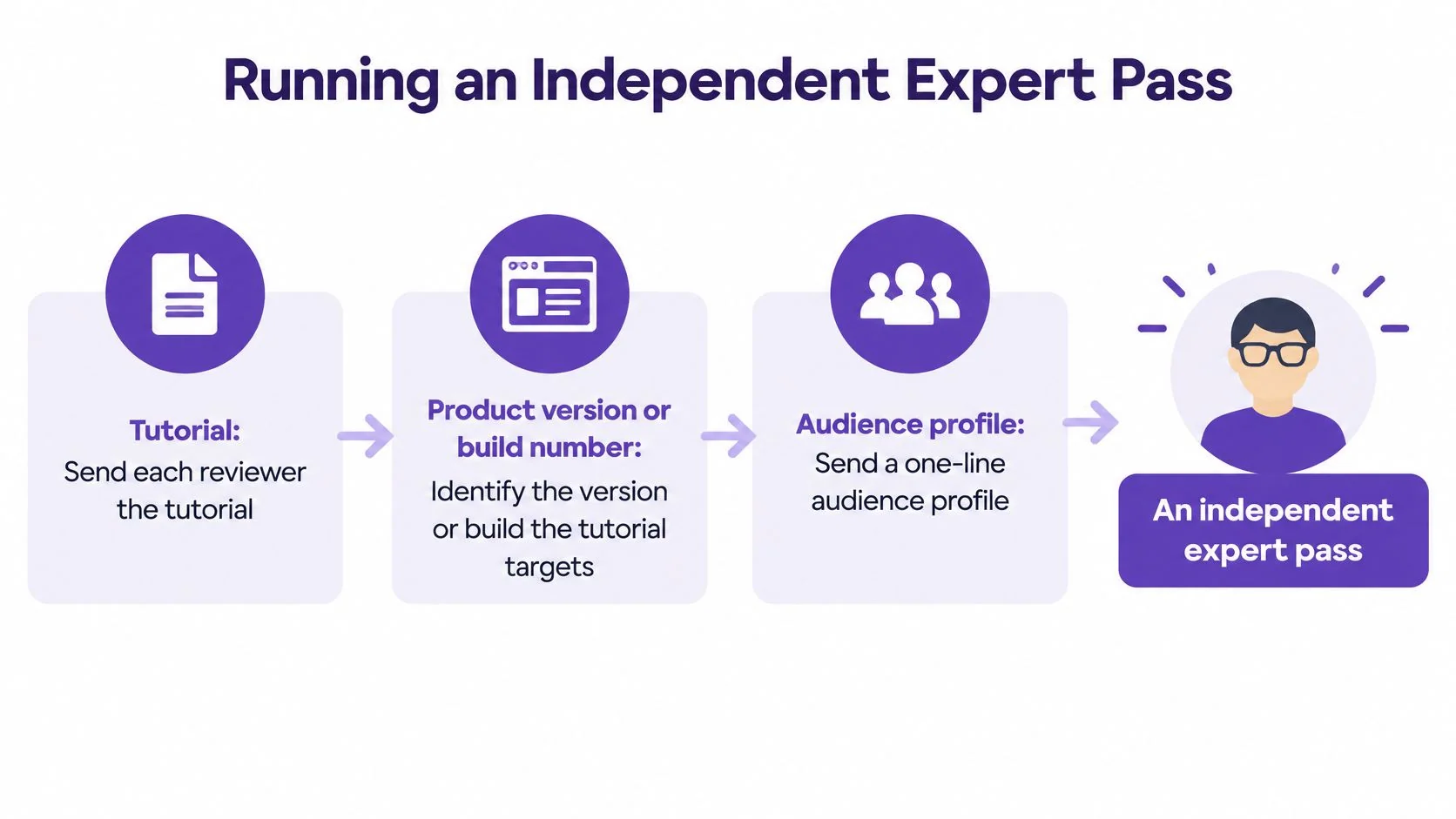
- Send the same packet to every reviewer. Include the tutorial, the product version or build number it targets, and a one-line audience profile. Reviewers can’t judge against different builds.
- Ask reviewers to work alone on a test account. Each reviewer follows every step on the live interface. Independent work makes disagreements visible before consensus forms.
- Check each step against the interface. Button and menu names must match. Prerequisites must be stated. Screenshots must show the current screen. A mistake must be recoverable, or the tutorial must warn before the point of no return.
- Log each issue with a severity. Record the step number, the exact text or image involved, and whether the issue is cosmetic, blocks task completion, or creates a risk of user error.
- Merge the lists into one master issue list. Mark issues only one reviewer found. Single-reviewer findings often expose an assumption the others shared.
- Decide each issue in writing. Fix it before release, or accept it with a written note explaining why.
A panel of 2-5 evaluators is described as practical for this kind of structured expert inspection in the NIST expert review methodology. That methodology also frames expert review as a timely, comparatively low-cost way to find major usability problems before broader testing.
What the Output Looks Like
Example. Three reviewers check a SaaS invoice tutorial. Two flag that the tutorial says Save where the interface says Save draft. One flags a missing trial-account setup step.
Both findings matter, but they don’t carry the same weight. The label mismatch slows learners down. The missing setup step can stop them entirely. Severity ratings keep the revision order honest.
The output isn’t approval. It’s a prioritized defect inventory that guides revision and release decisions. That inventory becomes the input for the learner test, which checks whether the fixes hold up when someone without product knowledge tries the task.
Skip the shared comment thread as the only record. Comments get resolved and vanish. A defect list stays readable after release, and it shows which risks the team accepted on purpose.
Testing With Learners Who Did Not Build It
Example. Six new support agents test a password-reset tutorial. Four stop at the same unlabelled toggle. The SME hadn’t flagged it because she already knew where it was and what it did.
That gap is the reason learner testing exists. Experts confirm correctness. Novices reveal discoverability.
Running the Test
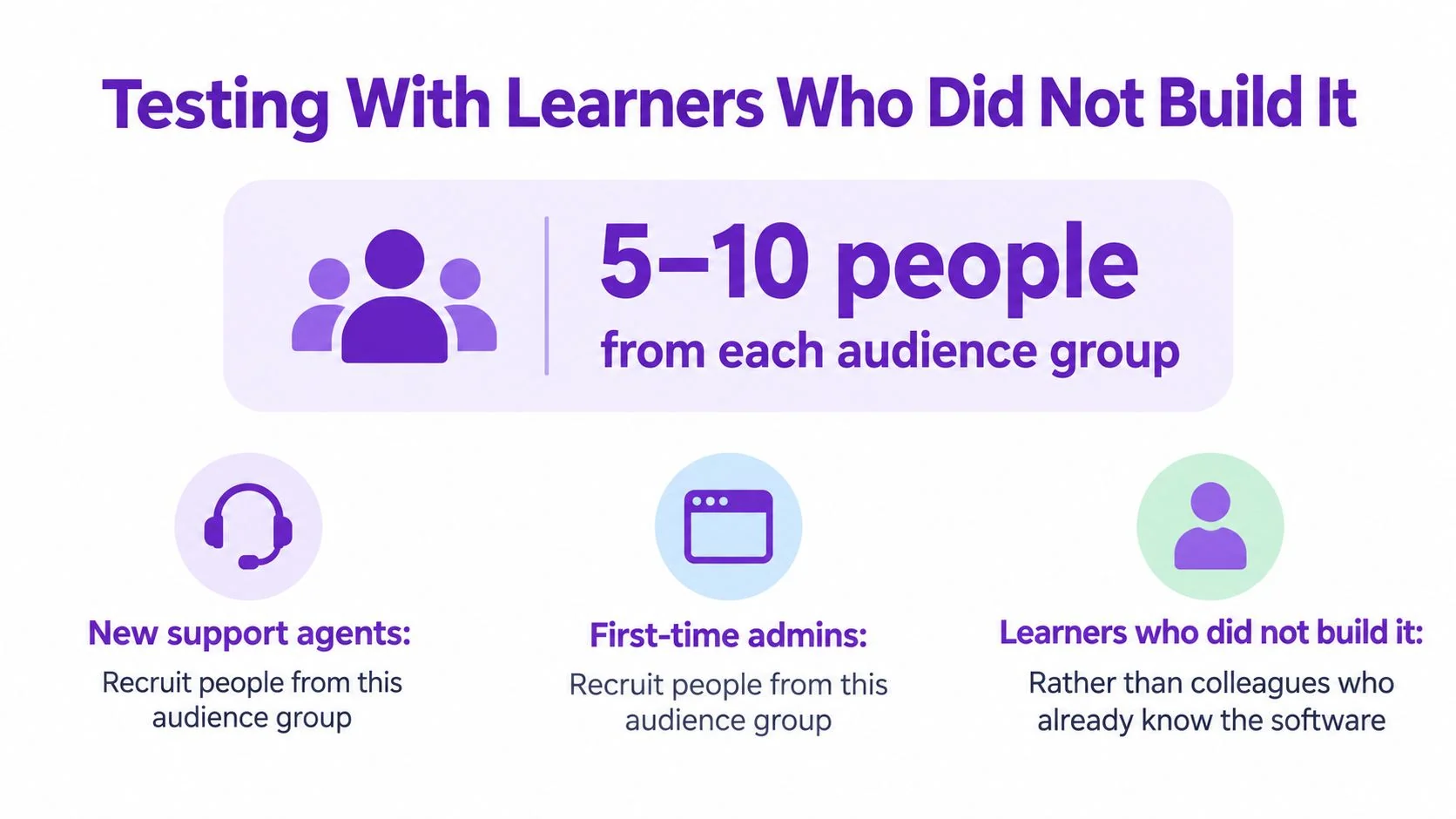
- Recruit from the actual audience. Use new support agents, first-time admins, or whoever the tutorial targets. Colleagues who know the product test their memory, not the tutorial.
- Give a goal, not an explanation. Ask for a refund for a duplicate charge, or a completed password reset. Hand over the tutorial and nothing else.
- Observe without helping. Note where each participant stops, rereads, scrolls back, or takes a wrong branch. Silence feels uncomfortable. It also produces the evidence.
- Classify every failure point. Label it a comprehension problem, a software defect, or a tutorial inaccuracy. Each one goes to a different owner.
- Revise, then retest with new participants. Returning participants remember the answer, so they can’t prove the revision works.
Teams that already run beta programs can collect feedback from beta testers as one input, but observed task attempts answer a narrower question. Feedback says what people think. Observation shows where they stop.
How Far Small Samples Go
The five-user heuristic assumes each participant has a 31% probability of encountering a given problem, which predicts five participants will identify approximately 85% of problems under the Nielsen-Landauer model described in the Nielsen Norman Group explanation of qualitative and quantitative sample sizes. That prediction depends on the assumption holding for the task and audience being tested.
Small samples also vary. Five-person samples uncovered an average of 85% of usability problems but ranged from nearly 100% to only 55%, while groups of ten found 95% on average with a lower bound of 82%, according to the Human Factors International summary of test participant numbers.
One quiet round isn’t proof. Retest after any major change to the tutorial, and retest sooner when the first round shows confusion at a critical step.
A step every participant completes may still be badly explained if they completed it by guessing. Ask what they expected to happen before they acted.
Record the exact point of failure, not a general impression. “Step six was confusing” gives an editor nothing to fix. “Four agents looked for the toggle in account settings” gives an editor a location cue to add.
Checking Accessibility Beyond Captions
A technically correct tutorial can still be unusable. That is why the accessibility check sits with its own reviewer in stage 4, someone trained in accessible video and documentation. That pass runs alongside the SME review, and both must sign off before release. The SME confirms the steps are accurate. The accessibility reviewer confirms a learner can follow them without seeing the screen.
A step says “click here” while a cursor moves to a small icon. The instruction is accurate for a viewer who can see the cursor. For anyone who can’t, the step contains no information.
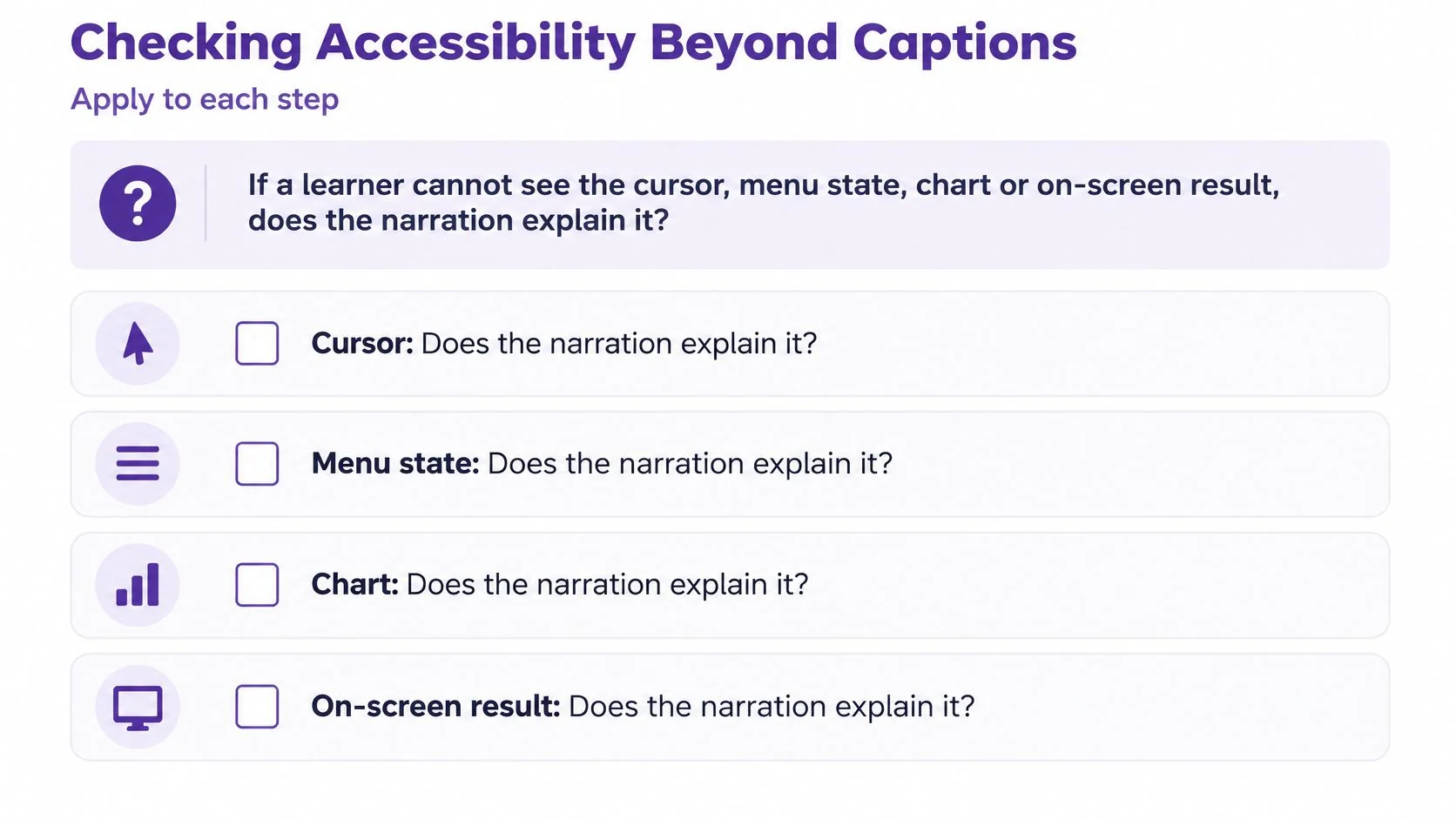
Start each step with one question. If a learner cannot see the cursor, menu state, chart, or on-screen result, does the narration explain it?
A Per Step Checklist
- Specific labels: Instructions say “select Submit,” not “click here” or “choose this option.”
- Spoken visual changes: Menu states, results, warnings, and chart values are narrated or described in an accessible transcript.
- Keyboard completion: The task can be finished using only a keyboard where the software allows it, and focus order doesn’t trap the learner.
- Caption accuracy: Captions match the narration, including product names and values, rather than merely existing.
- Audio description coverage: Charts, dashboards, and results that carry meaning are described, not left as silent visuals.
The gap is wide in education settings. A 2025 survey found only 14% of K-12 educators and 24% of higher-education faculty include audio descriptions in most instructional videos, while 16% and 37% respectively caption 76-100% of their videos, as reported in ScreenPal’s 2025 video accessibility survey. Tutorial teams shouldn’t treat those figures as a benchmark for SaaS content. They show how easily description gets skipped when nobody owns the check.
The accessibility reviewer tests the learner’s alternative information path, the route a screen reader user, a keyboard-only learner, or a viewer on a small screen takes through the same task. Video accessibility guidelines help turn that principle into checks a reviewer can repeat release after release.
Example. A step reads “click the gear icon.” It becomes “Open Settings from the top-right menu, then select Billing.” The revised wording works for a screen reader user, a viewer on a small screen, and anyone who can’t locate the icon.
Accessible documentation can come from the same recording as the video. That matters for sign-off. The written guide and the narration get checked against one source, so a fix in one version doesn’t go unnoticed in the other.
Reviewing Localized Versions With Task Checks
Example. A German narration for a button step runs longer than the English source. The voiceover names the button after the cursor has already moved to the next field. The translation is correct. The timing makes it wrong.
Proofreading can’t catch that. A proofreader checks words on a page. A localized tutorial has to align words, interface labels, captions, and screen actions at the same moment.
Three Reviewers, Three Jobs
- Source-language SME: Confirms the workflow and product terminology are still correct.
- Target-language reviewer: Checks terminology, natural phrasing, and pacing in the target language.
- Task-based tester: Follows the localized tutorial without seeing the original and tries to complete the task.
That third role answers the question teams often avoid. Who reviews the localized version when the subject expert doesn’t speak the target language? Nobody needs to hold all three kinds of knowledge. The checks get divided.
Multilingual captioning research presented at CHI 2025 highlights user needs for language labels, simultaneous original and translated captions, and separate control over typography, size, and placement across languages in the CHI 2025 multilingual captioning research. Those needs shape what reviewers should inspect, not just what translators should produce.
Criteria for Each Localized Step
Check action-to-caption alignment first. Then confirm translated UI terminology matches the target-locale interface, not a literal rendering of the source label. Number and date conventions need the same treatment, since a correct value in the wrong format reads as an error.
Voiceover pacing comes next. Screenshots and cursor highlights must stay synchronized with narration, even when a translated sentence runs longer. Localization best practices give reviewers a wider frame for these checks.
Have the target-language reviewer time each localized step against the on-screen action. If the instruction lands late, shorten the line or hold the visual. Don’t ask learners to rewind.
Translation quality gets judged by whether the tester completes the task, not by wording alone.
Confirm the Tutorial Before You Publish
The release question isn’t whether the tutorial looks finished. It’s whether every known defect has an owner, a decision, and a record.
The Go or No Go Checklist
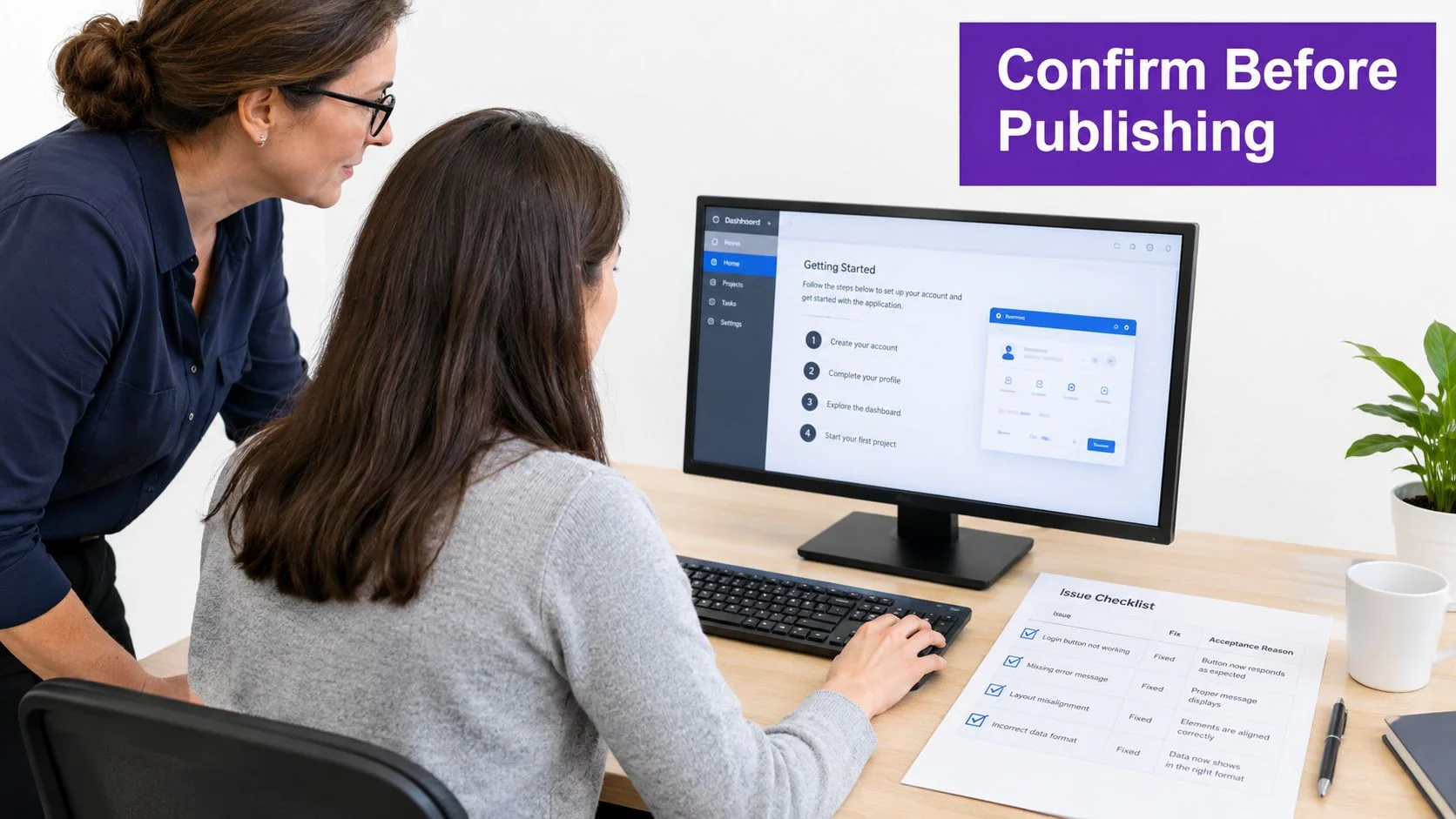
- Close the master issue list. Every issue is fixed or accepted with a written reason. Open items without a decision block release.
- Retest high-severity issues with a fresh participant. The person who reported a problem knows the workaround, so that person can’t validate the fix.
- Record the release context. Note the product build, the review date, each reviewer’s role, and the audience version the tutorial targets.
- Confirm each localized version passed a task check. A proofread alone doesn’t count as approval.
- Complete the accessibility checklist. Apply it to every step that depends on something on screen, including results and warnings.
- Set a re-review trigger. Any change to the interface, menu names, or permissions sends the affected steps back through the expert pass.
The record earns its keep later. When a customer reports a mismatch six months after release, a dated defect list shows what was checked, which build it was checked against, and what the team accepted knowingly. Without that record, the team starts from memory.
A Final Quality Check Against the Live Interface
Open the published tutorial beside a test account on the current build. Follow it exactly as written, including prerequisites, labels, and recovery steps. Don’t use shortcuts from memory.
Check that each screenshot matches the screen it claims to show. Check that narration names the control before the action happens. Check that the written guide and the video still describe the same sequence.
Where a tutorial starts as a screen recording, Tutorial AI can turn that recording into a draft tutorial video and a written guide with screenshots. The script, narration, steps, and visuals still need review and editing before sharing. Running the five stages on that draft keeps generation speed from replacing expert judgment.
Publish only when the checklist, the live interface check, and the defect record agree. If they don’t agree, the tutorial isn’t ready, whatever the release calendar says.
Record the workflow once, generate a tutorial video and written guide from that recording, then put the draft through SME review, learner testing, and accessibility checks before anyone publishes it. Tutorial AI supports that recording to tutorial workflow for software training, onboarding, and help center content. Start with one real task, review the generated steps against the current interface, and ship only what passes.