Monday morning, the brief sounds simple. Find a few AI tools that can help the team ship tutorials, onboarding guides, and support docs faster. Thirty minutes later, you are still sorting through the same recycled lists of chatbots, image generators, and broad “best AI tools” picks that do not map cleanly to documentation work.
The hard part is no longer finding AI software. The hard part is choosing tools that fit the job in front of you. For teams producing product demos, help-center articles, internal SOPs, and release walkthroughs, the gap usually sits between capture and publication. Recording is easy. Editing, turning that recording into written steps, keeping assets aligned, and publishing in multiple formats is where time gets lost.
This list starts with a purpose-built platform for tutorials and documentation before shifting to broader discovery tools. If your workflow depends on showing the actual interface and turning one source recording into training content, a tool built for AI documentation workflows will usually save more time than a general assistant. The trade-off is narrower scope. It will not replace every research, writing, or design tool your team uses.
After that, the article moves into directories, review sites, and discovery hubs that help compare categories, check alternatives, and spot tools outside the documentation stack. That order is deliberate. Start with the workflow bottleneck, then widen the search only when you need broader coverage.
1. Tutorial AI
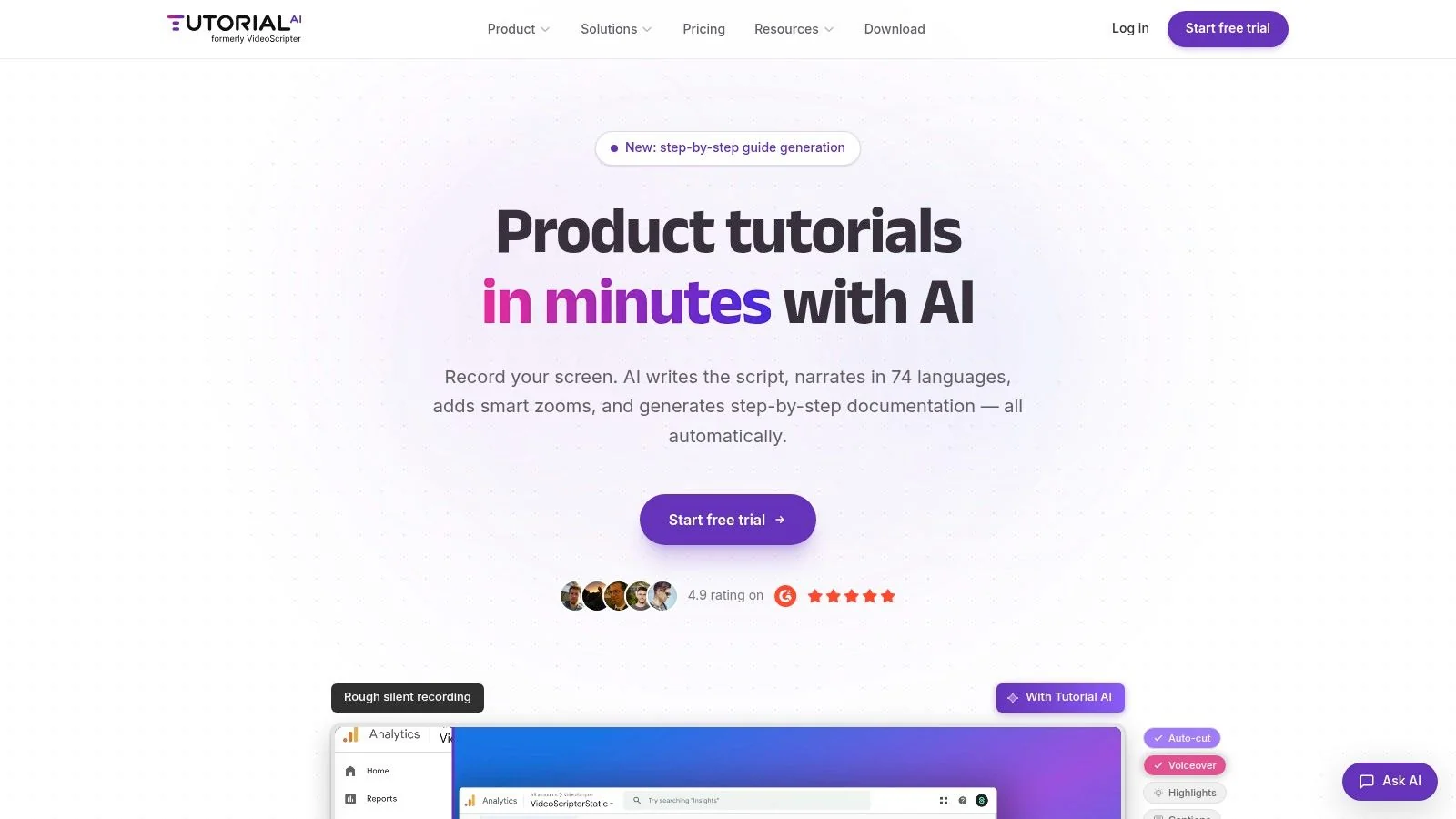
Tutorial AI is the most workflow-specific tool on this list, and that’s exactly why it belongs first. If your team records software, explains product changes, or turns internal know-how into customer-facing training, it solves a narrower problem than a general AI assistant. It also solves it better.
The core value is simple. You record the screen once, with your real UI and real voice, and the platform handles the parts that usually turn a quick capture into a production project. It transcribes speech, lets you edit the script like text, updates voiceover and timing automatically, and generates a matching written article from the same recording.
Where it fits best
This is strongest for teams producing repeatable educational content:
- Product demos: Show the actual interface instead of a synthetic avatar.
- Customer onboarding: Turn one walkthrough into a video and a help article.
- Support content: Publish knowledge-base videos with matching screenshots and written steps.
- Internal training: Standardize SOPs without asking subject-matter experts to learn Adobe Premiere Pro.
That matters because most SMEs don’t want to become editors. They want to explain the workflow once and move on.
Practical rule: If viewers need to see the real product interface, avatar-first tools like Synthesia or HeyGen usually aren’t the right fit. Screen-first tools are.
What works in practice
Tutorial AI’s strongest feature set is about reducing timeline work. “Edit like a doc” is the practical difference. Change the script, reorder steps, tighten wording, and the timing, captions, and narration update with it. That’s a better fit for support teams and product marketers than classic video editors, where every revision means hunting through a timeline.
Localization is another differentiator. Tutorial AI supports narration in 74 languages and includes a multilingual player, which matters when one onboarding asset has to serve global teams. Its AutoRetime workflow is especially useful because translated narration rarely matches the timing of the original recording. Most tools make that your problem. This one is built around it.
A second advantage is output reuse. The same recording can become a polished video and a written document. If your team is already under pressure to ship both formats, that’s a much better workflow than recording in Loom, editing elsewhere, then rewriting everything in a separate docs tool. The documentation angle is worth a closer look in this guide to AI for documentation workflows.
Trade-offs
Tutorial AI isn’t trying to replace every video tool. If you need cinematic editing, deep compositing, or a full creative post-production stack, Adobe Premiere Pro, Final Cut, or Camtasia still offer more manual control. The trade-off is that they also require much more skill and time.
A few other limitations are worth being honest about:
- Human review still matters: Technical product language, compliance-sensitive material, and edge-case workflows still need someone to check the final output.
- Advanced features are gated: Enterprise controls, higher-end voice options, and some collaboration features sit on paid tiers.
- It’s optimized for tutorials: If your main work is social video, ad creative, or cinematic brand film, this isn’t the center of your stack.
Still, for software education, it’s unusually complete. Tutorial AI also includes enterprise capabilities such as SSO/SAML, SOC 2, and GDPR support, which makes it easier to approve than many consumer-style AI video products. Bosch, Deutsche Bahn, Intesa Sanpaolo, Microsoft, and UNICEF are all named customers, which is a useful trust signal for teams buying into a shared workflow rather than a solo tool.
2. Futurepedia
Futurepedia is useful when the team knows the workflow stage but not the product yet. In practice, that often means early research for a tutorial or documentation stack. You might know you need help with screen recording, transcript cleanup, voiceover, repurposing, or article drafting, but you do not know which vendors are worth a closer look.
That is where Futurepedia earns its place in this list. It combines a large tool directory with editorial content, so you can scan a category and get enough context to decide whether it belongs in your workflow. This combination is useful when you’re evaluating an unfamiliar category or checking whether a newer tool can replace part of an existing process.
For tutorial and documentation work, that saves time. A plain directory gives you names. Futurepedia also helps you understand the shape of a category before you start demos, trials, and stakeholder reviews.
Best use case
Futurepedia works best at the discovery stage, before you build a serious shortlist. If you are mapping an end-to-end content workflow, it can help you identify candidates across several steps instead of searching each category from scratch. That is especially helpful when the stack spans video, documentation, transcription, writing, and translation.
Its practical strengths are clear:
- Wide category coverage: Useful for first-pass research across multiple workflow steps.
- Editorial support: Tutorials and explainers add context beyond a basic listing.
- Freshness signals: Popular and recently added views can surface tools that are gaining attention.
There are trade-offs.
Like other directories, placement and visibility can reflect sponsorship or featured listings, even when labels are present. That makes Futurepedia a research input, not a selection method. The right approach is to use it to assemble candidates, then verify each one on its own site, test the product, and compare it against your actual tutorial or documentation requirements.
Use directories to build the longlist. Use hands-on evaluation to cut it down.
That distinction matters more as AI categories keep expanding. For a practitioner, the bottleneck is rarely finding a tool. It is finding the few tools that fit the workflow, integrate cleanly, and hold up under real use. Futurepedia is strongest at the first part of that job.
3. There’s An AI For That
There’s An AI For That fits a common research scenario. A documentation lead usually is not searching for “the top AI app.” They are trying to solve a specific step in the workflow, such as cleaning transcripts, generating step-by-step drafts, translating help content, or turning a screen recording into a tutorial.
That task-first structure is what makes the directory useful. For tutorial and documentation teams, it maps better to real work than category pages alone, because the job is usually to fix a bottleneck in the production chain rather than browse a market.
Why the task model is useful
If you are building an end-to-end stack, this directory helps when the workflow breaks into narrow jobs. You can search for one function at a time, then connect the pieces later. That is a practical way to research options for tutorial creation, where capture, transcription, editing, summarization, publishing, and localization often involve different tools.
Useful strengths include:
- Task-led discovery: Good for finding tools around a concrete job instead of a broad product type.
- Fast coverage of new releases: Helpful if you want to spot newer entrants before they appear in slower-moving directories.
- Breadth across small use cases: Often better than larger directories for niche workflow steps that matter in documentation operations.
There are trade-offs.
The directory is crowded, and listing quality is uneven. Some products are credible specialists. Others are thin wrappers, early-stage launches, or tools with limited documentation, which is a problem if your team needs security reviews, stable exports, or predictable collaboration features.
For that reason, TAAFT works best as a sourcing layer, not a decision layer. Use it to find candidates for each stage of the tutorial and documentation workflow, then validate those candidates on their own sites. Check product docs, pricing, integrations, data handling, and whether the output reduces manual work for your team. That extra validation step matters here more than in more curated directories, because speed of discovery is the main benefit, and quality control is mostly your job.
4. TopAI.tools
TopAI.tools works well when a documentation lead is trying to shortlist tools without turning research into a tab-management exercise. That matters in tutorial and docs work, where the buying decision rarely sits with one person and the questions are specific. Can the tool handle screen capture, transcription, editing, translation, review, or publishing in a way that fits the current workflow?
Its value is less about raw directory size and more about how it helps teams compare options with a job in mind. Side-by-side comparisons, intent-based search, and workflow playbooks make it easier to move from discovery to shortlist. For tutorial production, that is a useful step between finding candidates and running a real trial with sample content.
Where it stands out
TopAI.tools is strongest when the team already knows the workflow stage they need to improve, but has not settled on a product category. The filtering helps narrow by practical criteria such as pricing, use case, inputs and outputs, and other listing signals that make early screening faster.
Useful strengths include:
- Comparison support: Helpful when several tools cover the same part of the documentation workflow and the differences are easy to miss from vendor sites alone.
- Workflow playbooks: Useful for mapping tools to actual production tasks instead of evaluating them as isolated apps.
- Faster shortlisting: Good for reducing the first-pass research load before procurement, security, or editorial review starts.
There is a trade-off. Visibility and quality signals can blur together, especially when promoted placements sit close to standard listings. That means TopAI.tools is better for narrowing the field than for making the final call.
For tutorial and documentation teams, that makes it a middle layer in the process. Start with a core workflow need, such as turning recorded walkthroughs into searchable help content or repurposing tutorials across formats. Use TopAI.tools to build a shortlist, then verify each candidate on its own docs, exports, collaboration model, and data-handling details before rollout.
5. Toolify.ai
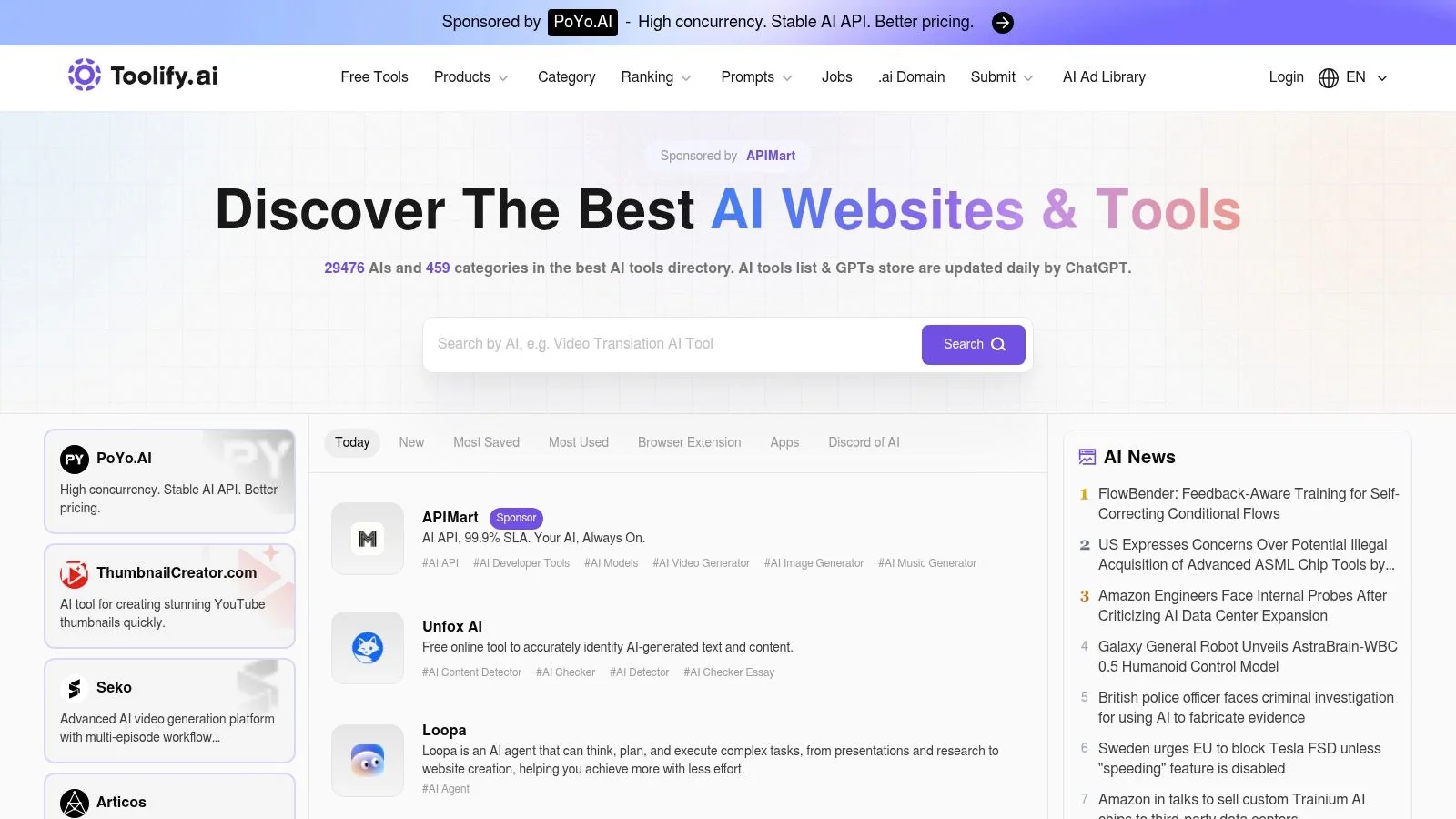
A common documentation problem looks like this. The team knows it needs help with a specific production step, such as turning a product walkthrough into a draft tutorial, updating screenshots at scale, or repackaging docs into video and knowledge base formats. What it does not know yet is which category of AI tool will handle that job well. Toolify.ai is useful at that stage because it casts a wide net.
Its strength is coverage. The directory is large, updates quickly, supports multiple languages, and surfaces tools through several ranking views instead of a single category page. That makes it a practical research layer for teams mapping the end-to-end tutorial and documentation workflow, especially after they have identified the core job to be done but before they commit to a shortlist.
Useful for broad discovery
Toolify.ai works well for category reconnaissance.
You can scan newer listings, review category pages, and check popularity-oriented views to spot products that keep appearing across different discovery paths. In practice, that helps expose adjacent options a narrower directory might miss. A team looking for an AI writing assistant for docs may also uncover transcript tools, screen recording products, localization tools, or repurposing platforms that fit the workflow better.
What stands out:
- Wide category coverage: Helpful for finding niche tools tied to documentation production, translation, transcription, or tutorial repurposing.
- Multiple discovery paths: Useful when one category label does not reflect how the tool is used in a content workflow.
- Multilingual presentation: Relevant for teams researching vendors for global documentation or regional content operations.
The trade-off is evaluation speed. Toolify.ai gives you reach, but not always depth. Sponsored placements can blur with organic discovery, and some listings do not contain enough detail to judge export quality, collaboration features, security posture, or how well the product fits an editorial process.
For tutorial and documentation teams, the practical use is early-stage discovery rather than final selection. Use it to widen the field after you have defined the workflow problem. Then verify serious candidates in their own docs, product demos, trial environments, and output samples before you bring them into production.
6. FutureTools
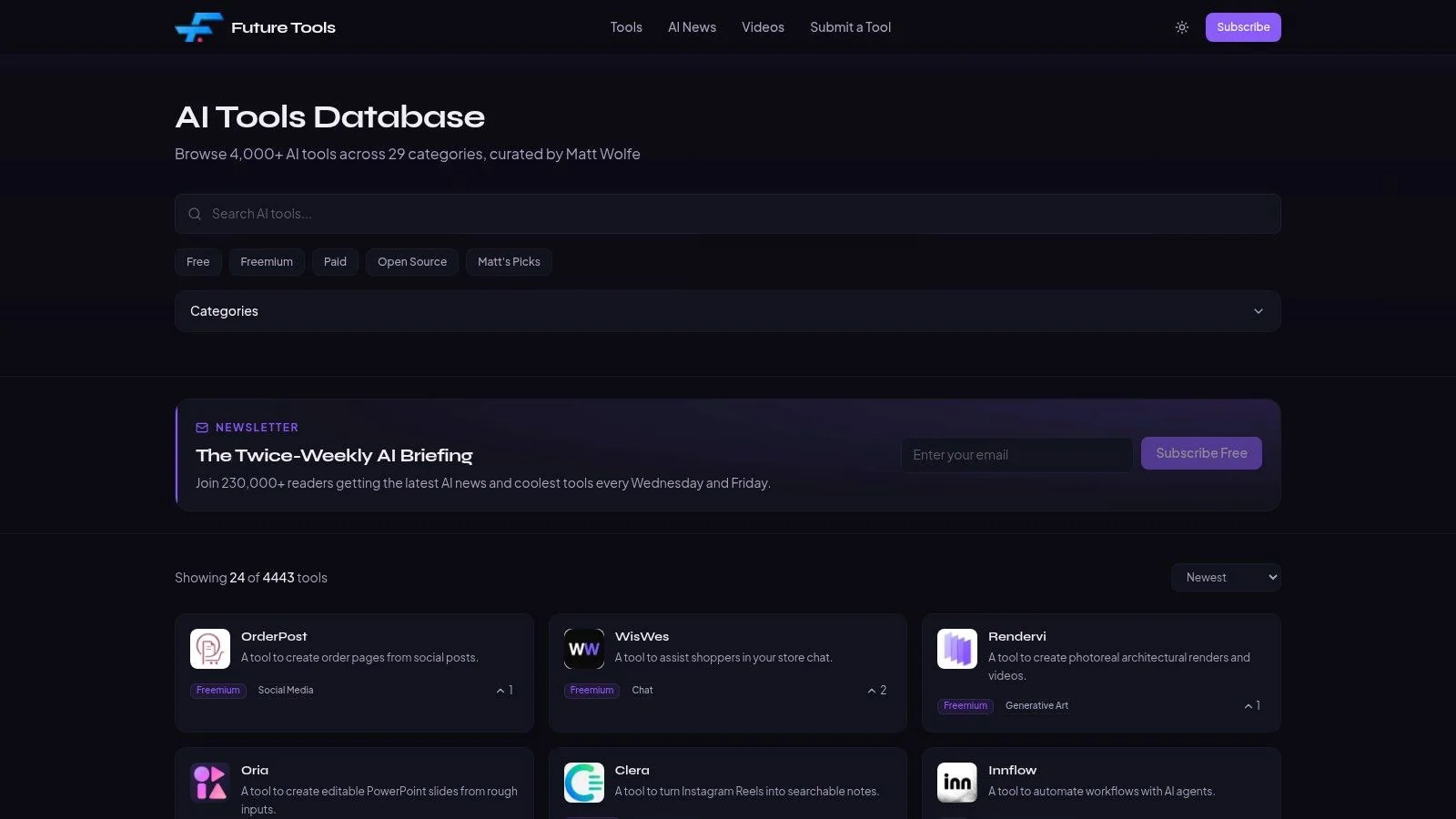
FutureTools is a better fit when you’re tired of giant directories and want a more selective feed. It feels lighter, and for many teams that’s a feature, not a limitation.
The value here is editorial restraint. Instead of trying to index everything, FutureTools surfaces a narrower set of notable products and updates. That makes it easier to browse quickly without feeling like you’ve opened a software census.
A cleaner way to browse
For busy operators, the practical strength is speed. You can scan recent additions, review the glossary, and get to relevant products without working through a heavy directory interface.
Where it works well:
- Human curation: Better for quick trust-based browsing.
- Clean navigation: Good when you want signal without too much noise.
- Simple submissions: Useful if you’re also tracking launch venues for your own tool.
The trade-off is obvious. Smaller index, fewer advanced filters, and less metadata depth. If you need detailed comparison structures or broad category coverage, larger directories still do more.
That said, curated lists are often a better first stop than giant directories when your team already knows the rough category. If you’ve decided you need a documentation workflow tool, a video generation product, or a transcript utility, human-curated discovery can cut time better than endless filtering.
A smaller directory can be more useful than a bigger one when your problem is focus, not awareness.
7. AI Tool Hunt
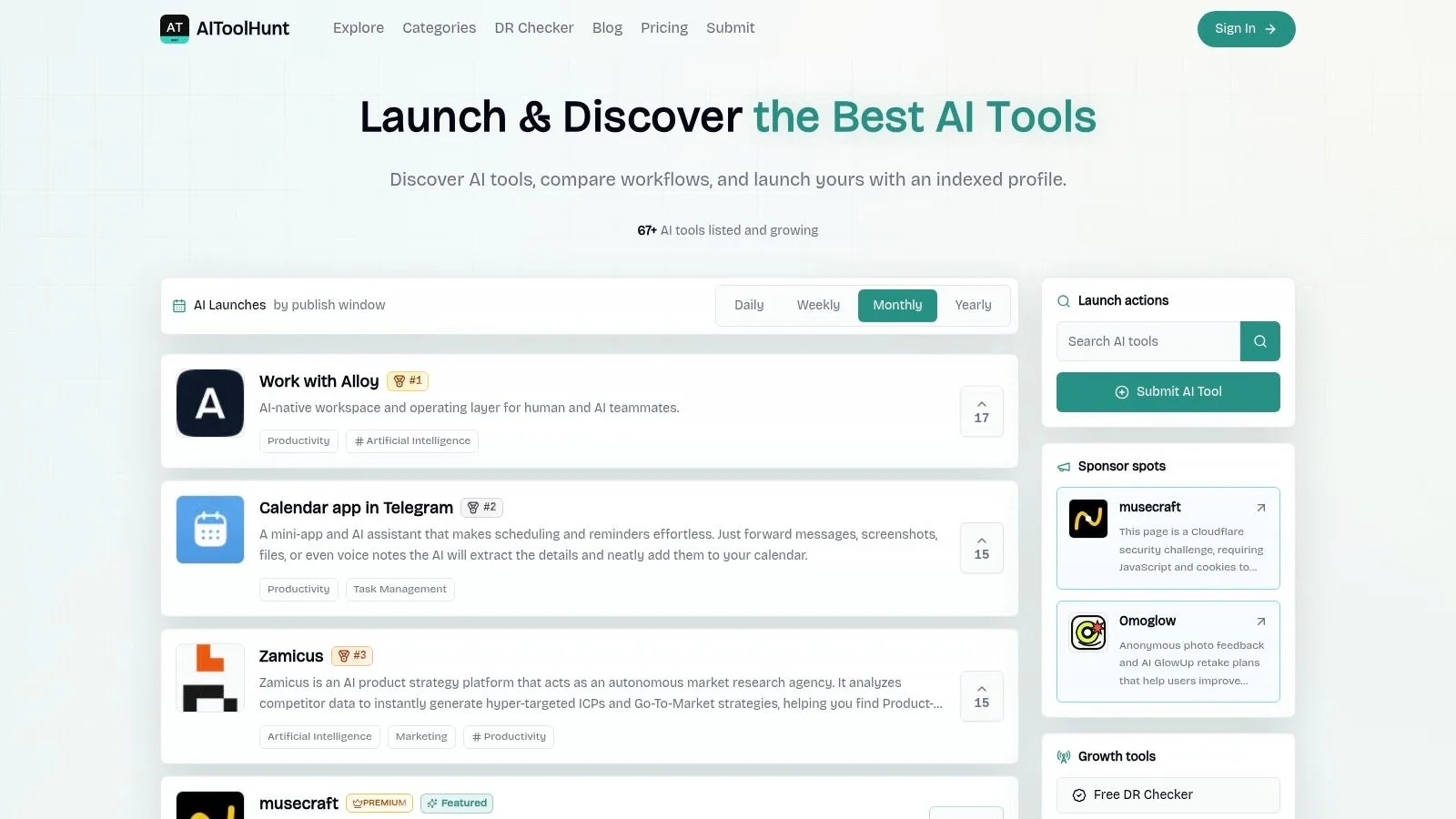
AI Tool Hunt sits closer to the maker ecosystem than the buyer-research ecosystem. That changes how you should use it. For discovery, it’s lightweight. For launch visibility and backlink testing, it can be practical.
This isn’t the place I’d use as a primary source for enterprise evaluation. It is the kind of place I’d check when I want to see what newer or smaller tools are trying to get distribution, especially in crowded categories.
What it’s good for
The platform’s value is speed and low-friction listing. That attracts early-stage products and side projects, which can be useful if you’re researching emerging niches before they reach mainstream directories.
Practical uses include:
- Early launch spotting: You’ll see newer tools sooner than on slower review sites.
- Low-friction submissions: Helpful for founders testing channels.
- Backlink and visibility checks: Relevant if you’re tracking software promotion routes, including Aitoolhunt projects on SubmitMySaas-2.
The trade-off is quality variance. Lighter editorial review means more noise and weaker trust signals. If a tool looks promising here, assume you’ve found a lead, not an answer.
That distinction matters even more for sensitive workflows. Harvard HUIT’s AI guidance frames tool selection around confidentiality level and approved-use criteria, which is a much stronger procurement lens than “appears in a directory.” If your team handles customer transcripts, internal training material, or screen recordings with account data, governance should outrank novelty.
8. Product Hunt Artificial Intelligence Topic
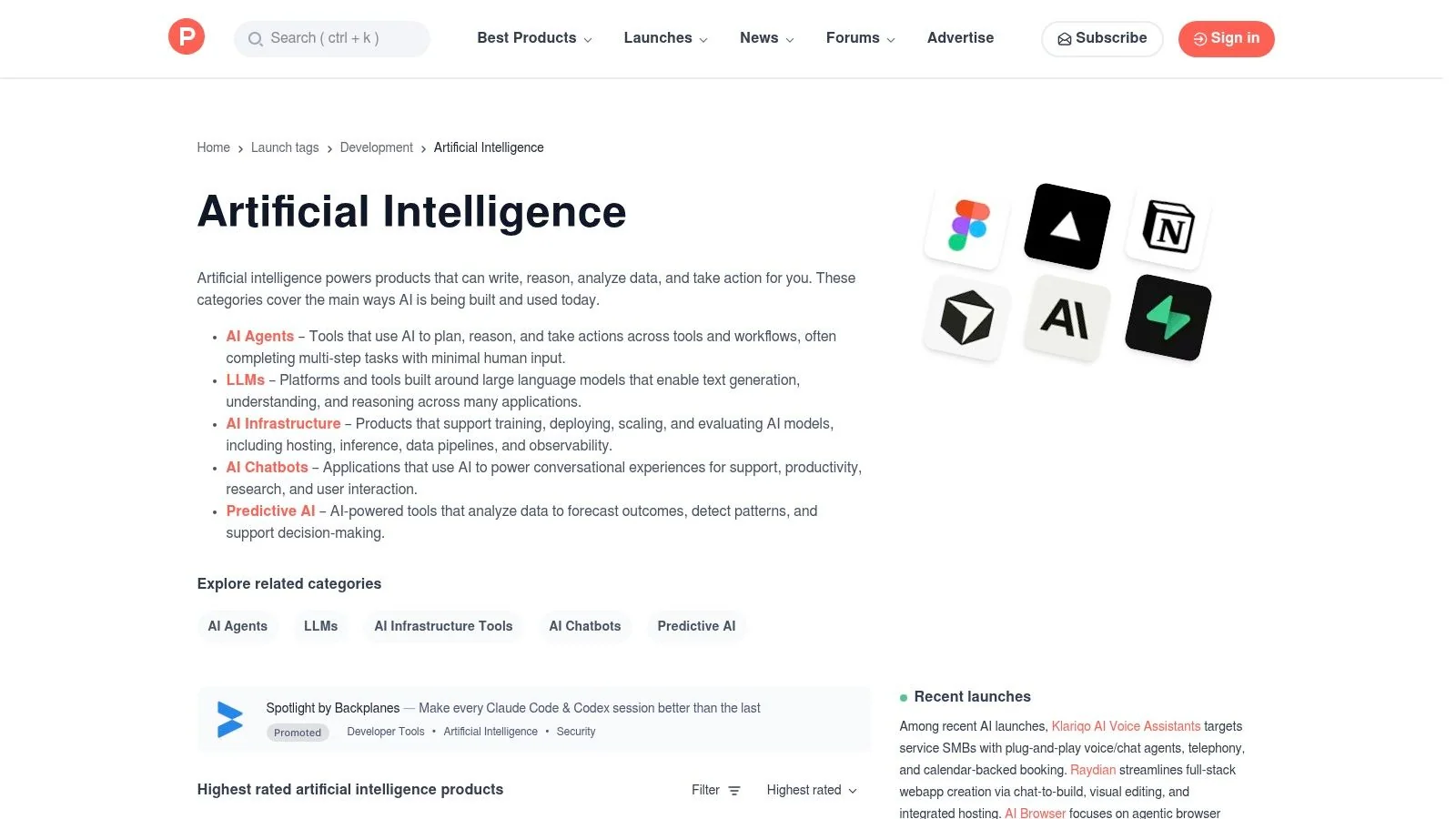
The Product Hunt Artificial Intelligence topic is still one of the fastest ways to see what’s new, what’s getting immediate community attention, and how makers are positioning their product in public.
That freshness is the entire point. If you want to understand launch narratives, early objections, and how users react in the first wave, Product Hunt is still useful.
Best used for launch-day signal
This is not where you confirm long-term product quality. It’s where you catch launch momentum and read the discussion around it. Comments, maker notes, and product pages often tell you more about positioning and early fit than a polished homepage does.
What makes it useful:
- High freshness: Excellent for identifying newly launched tools.
- Community feedback: Early reactions can reveal confusion or excitement quickly.
- Maker context: Launch posts often explain the problem the team thinks it’s solving.
The downside is obvious. Product Hunt is optimized for launch attention, not durability. Many products get visibility once and then disappear from serious evaluation. Use it to discover, then validate elsewhere.
It’s also a good companion to broader software taxonomy browsing. If you want another angle on category structure after spotting tools on Product Hunt, platforms that browse product categories can help put a launch in broader context.
9. G2 Artificial Intelligence Software
A common handoff looks like this. One person has a promising AI tools list from directories and launch platforms, then someone from ops, IT, or procurement asks for evidence the team can compare. G2 Artificial Intelligence Software fits that stage better than discovery-first directories.
For tutorial and documentation workflows, that matters once the conversation shifts from “which tool looks interesting?” to “which tool can support recording, writing, editing, collaboration, security review, and team rollout?” G2 helps teams examine products in a more structured way, especially when the stack may include a core tool like Tutorial AI plus supporting products for video, knowledge bases, search, or meeting capture.
Better for shortlist pressure-testing
G2 works well after you already have candidates. The useful part is not novelty. It is the combination of category pages, comparison views, review patterns, and buyer-oriented filters that help multiple stakeholders review the same set of tools from a shared frame of reference.
Practical strengths:
- Review depth: Helpful for spotting recurring implementation issues, support complaints, or fit by company size.
- Side-by-side comparison: Useful when a documentation lead, IT owner, and budget approver need to assess the same shortlist.
- Category structure: Good for mapping adjacent software classes when your workflow spans more than one tool type.
There are trade-offs. Review platforms favor products that invest in profile quality, review generation, and marketplace visibility, so ranking position is not the same as product fit. Reviews also skew toward post-purchase sentiment, which is useful, but it does not replace hands-on testing of output quality, admin controls, or integration behavior.
G2 is strongest as a validation layer. Use directories to find options, then use G2 to pressure-test the finalists against the realities of adoption, governance, and cross-functional approval. As noted earlier, the broader AI software category now spans writing, coding, design, meetings, and automation. That breadth is exactly why category context matters when you are building an end-to-end tutorial and documentation workflow.
10. AlternativeTo AI Tools and Services
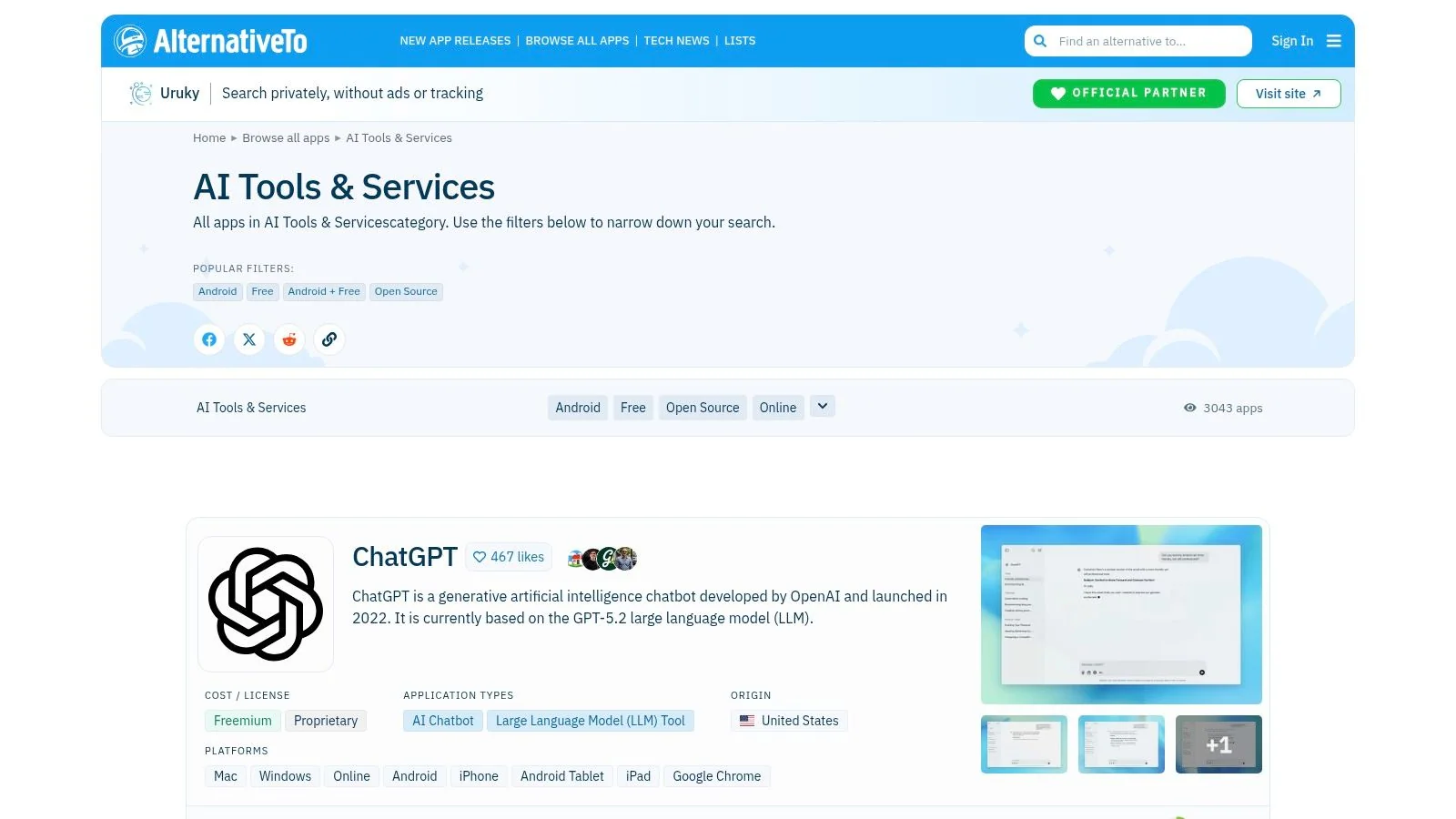
AlternativeTo AI Tools and Services is different from the rest of this AI tools list because it works best when you already know one product and want substitutes. That makes it especially useful during replacement projects.
If your team says “we use Loom but need more polished output,” or “we use a chatbot but need better data control,” AlternativeTo is one of the quickest ways to surface adjacent options, including open-source paths.
Strongest for replacement research
The “alternatives to” model is practical because it matches a common buying moment. You’re not exploring from zero. You’re dissatisfied with something specific and need nearby options with a similar job to be done.
Useful strengths include:
- Alternative-first navigation: Good for incumbent replacement searches.
- Open-source visibility: Helpful when self-hosting or tighter data control matters.
- Broad software context: Useful when AI overlaps with older software categories.
The limitation is depth. AlternativeTo is less AI-specialized than dedicated AI directories and review platforms, so metadata can be lighter. You often get a useful candidate list, but not enough detail to approve the tool on that basis alone.
That said, it’s one of the best places to start if governance is part of the brief. Open-source and self-hosting questions often come up when teams move from experimentation to approved use. That’s especially relevant for documentation, support, and internal training teams dealing with recordings, transcripts, and customer-facing knowledge assets.
Top 10 AI Tool Directories Comparison
| Product | Core features | UX & Quality (★) | Value & Pricing (💰) | Target Audience (👥) | Unique Selling Points (✨) |
|---|---|---|---|---|---|
| 🏆 Tutorial AI | AI screen recording + editor, transcription, “Edit like a Doc”, AutoRetime™, 74 languages | ★ 4.9/5; studio‑quality outputs; 4K export | 💰 Free → Enterprise; advanced voices & voice‑cloning on higher tiers | 👥 Knowledge bases, customer education, sales enablement, L&D, product teams | ✨ Edit‑like‑a‑Doc, AutoRetime™, cursor effects, generate docs from video, enterprise security |
| Futurepedia | Curated directory, category filters, editorial picks + courses | ★ Curated picks with trending signals | 💰 Free to browse; paid/featured listings labeled | 👥 Tool discoverers, learners, researchers | ✨ Directory + integrated learning (courses, newsletters) |
| There’s An AI For That (TAAFT) | Task taxonomy, newsletter amplification, affiliate program | ★ High reach; maker‑focused discovery | 💰 Free discovery; paid promotions common | 👥 Founders, startups, researchers, product teams | ✨ Task→tool mapping + newsletter launch boost |
| TopAI.tools | AI intent search, side‑by‑side comparisons, Playbooks | ★ Decision‑support UX; updated daily | 💰 Free browse; optional featured promotions | 👥 Decision‑makers, implementers, evaluators | ✨ Playbooks + intent-driven matching + comparisons |
| Toolify.ai | Very large index (~30K), leaderboards, multilingual UI | ★ Strong for trend‑spotting; mixed listing depth | 💰 Free browse; sponsor/ads present | 👥 Analysts, trend‑spotters, market researchers | ✨ Multiple ranking views & Top1000 momentum tracker |
| FutureTools | Curated “newly added” listings, newsletter, simple submissions | ★ Trustworthy, lightweight curation | 💰 Free to browse; smaller index than mega directories | 👥 Quick discoverers, busy makers | ✨ Hand‑curated picks and clean navigation |
| AI Tool Hunt | Fast listings, free dofollow links, paid sponsor slots | ★ Fast turnaround; lighter editorial review | 💰 Free listings + paid instant/featured options | 👥 Early‑stage makers, SEO/backlink seekers | ✨ Dofollow links, 72‑hr review, rapid exposure |
| Product Hunt, AI topic | Real‑time launches, comments, votes, maker notes | ★ High freshness & community feedback | 💰 Free to post; paid promos possible | 👥 Makers, early adopters, product enthusiasts | ✨ Launch‑day visibility, community validation & discussions |
| G2, Artificial Intelligence | Verified user reviews, Grid/Leader reports, enterprise taxonomy | ★ Buyer‑focused; peer reviews for procurement | 💰 Free access; vendors may pay for programs | 👥 Enterprise buyers, procurement, stakeholders | ✨ Verified reviews + vendor comparisons + market reports |
| AlternativeTo, AI Tools & Services | ”Alternatives to…” model, filters, open‑source tags | ★ Long‑running community site with broad coverage | 💰 Free to use | 👥 Users seeking substitutes, self‑hosting or OSS options | ✨ Alternative‑first navigation + open‑source filters |
Integrating AI Into Your Content Workflow
The point of an AI tools list isn’t to collect logos. It’s to remove friction from work your team already has to do. That’s the lens that makes selection easier. Stop asking which tool is most impressive in a demo. Ask which tool removes the most manual effort from a recurring workflow without creating review, governance, or handoff problems.
For content teams, that usually narrows the field quickly. If your job is producing product education, customer onboarding, support documentation, or internal training, broad chat tools help at the edges. They can draft outlines, summarize notes, or rewrite copy. But they don’t automatically solve the workflow around screen capture, timing, multilingual delivery, approvals, and publishing in multiple formats. That’s why a purpose-built tool like Tutorial AI makes sense as the core solution in this list. It’s built for the job itself, not just the text around it.
The rest of the platforms here serve a different role. Futurepedia, TAAFT, Toolify.ai, and FutureTools help you scan the market. Product Hunt helps you spot what’s new. G2 and AlternativeTo help you pressure-test decisions once a shortlist exists. AI Tool Hunt is useful when you want to surface smaller entrants or watch early-stage distribution. Those aren’t substitutes for a workflow tool. They’re support systems for research and validation.
A practical selection process usually looks like this:
- Map the recurring task: Identify where your team repeatedly loses time. Recording walkthroughs, repurposing content across formats, translating training, reviewing transcripts, or publishing help-center updates.
- Choose the system of record: Pick the platform that owns the core workflow, not just a small subtask.
- Check governance early: Approval, data sensitivity, and deployment controls should be part of selection from the start.
- Use directories for breadth, not trust: Discovery platforms are useful for surfacing options. They aren’t enough for final approval.
- Validate on live work: Test with a real onboarding flow, release note walkthrough, or support article, not a generic demo script.
That last point matters most. AI tools often look similar in screenshots and very different in use. A tool that feels slick in a homepage demo can fall apart when you feed it a real product walkthrough with retakes, UI changes, compliance language, and localization needs. Teams find the right stack by testing against their own content, with their own review process, and under their own security constraints.
If you only take one idea from this AI tools list, make it this. The best AI tool isn’t the one with the broadest feature set. It’s the one your team can adopt, govern, and use repeatedly without creating more work around the edges.
If your team produces product demos, onboarding videos, help-center content, or internal SOPs, Tutorial AI is worth trying first. It gives you one workflow for turning a screen recording into a polished tutorial video and a matching written article, which is exactly where many content teams lose time today.